
Personal project · Solo, open source · 2026 – now
Link All
Phones and computers that work as one, over your own network, with no cloud.
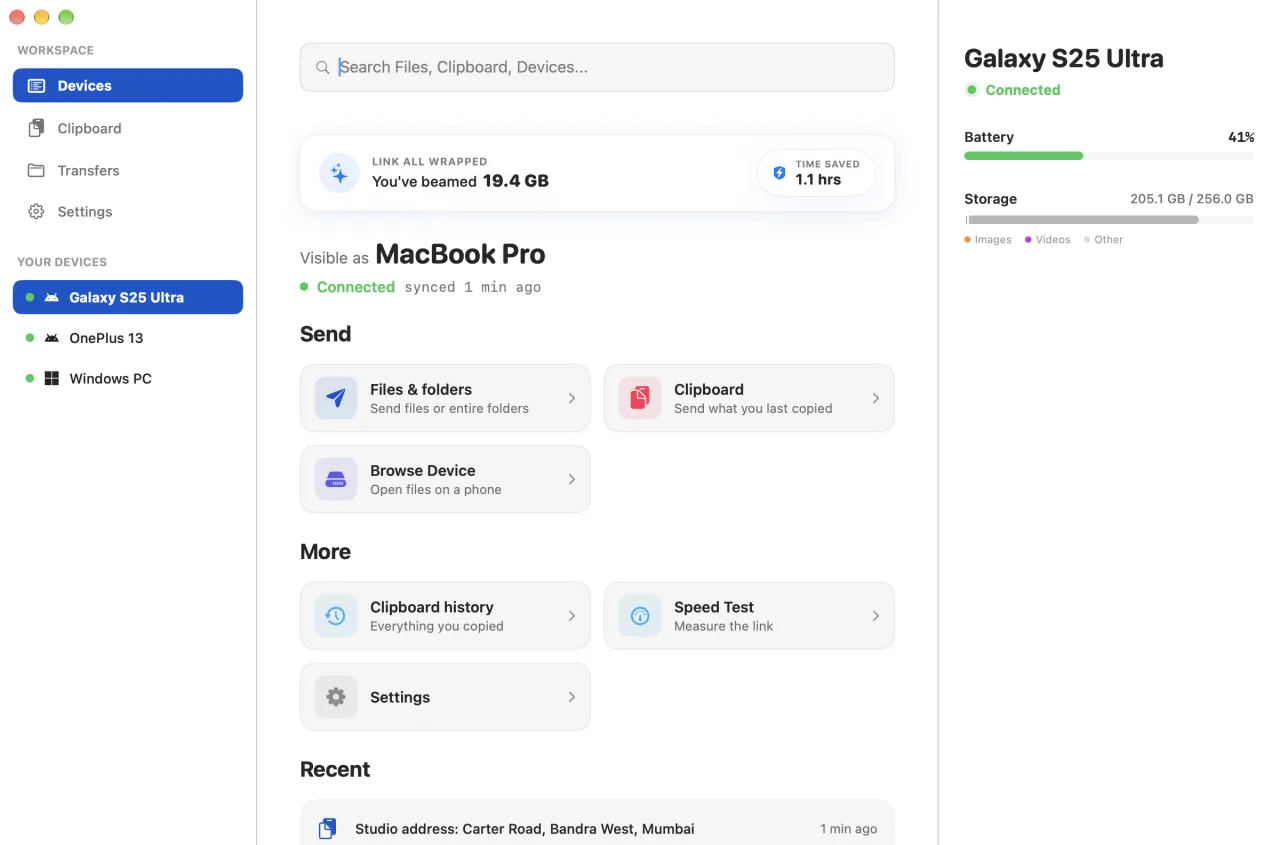
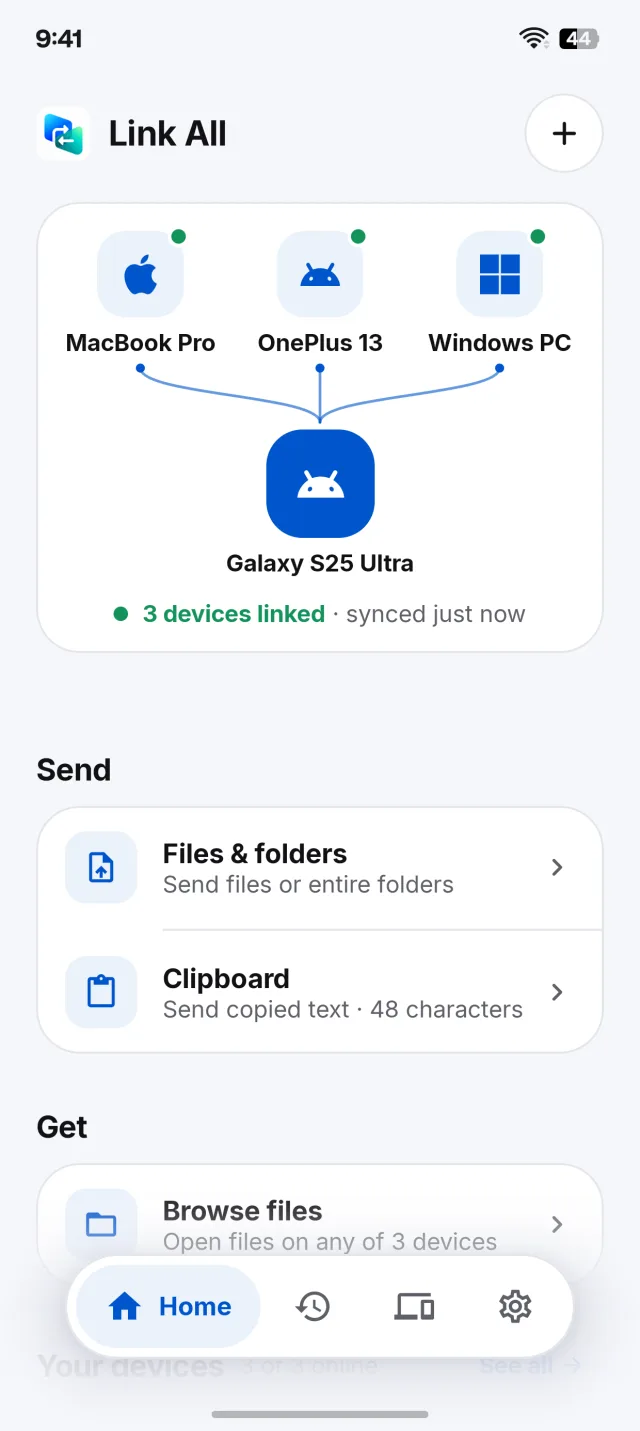
01The problem
A phone and a laptop on the same desk share very little unless both come from the same company. The tools that bridge them tend to cover only some systems, route through a cloud, or stop at sending files.
Link All does the everyday things across Android, macOS, Windows and Linux: files, clipboard, notifications and calls, media, notes, and the phone as a remote or keyboard. Everything stays on the local network, with no account.
02My role
Designed and built alone: the protocol, the Rust core, all four native apps, packaging and store releases.
03Architecture
One Rust core does the networking, encryption and transfer work. Each platform gets a native app that talks to it through the binding that suits that platform.
- macOSSwift · SwiftUIC-FFI · Unix socket
- AndroidKotlin · ComposeJNI
- WindowsC# · WinUI 3C-FFI · named pipe
- LinuxRust · GTK 4Unix socket
- Discovery
- Devices announce themselves over mDNS with anonymous IDs. Friendly names are only shared after pairing.
- Session
- X25519 key exchange, HKDF-SHA256 key derivation and AES-256-GCM. Every frame carries an increasing counter, so replayed frames are rejected.
- Transfer
- Files stream in chunks that the receiver acknowledges. Buffers are shared rather than copied, and files that won't compress skip compression.
04Hard parts
- 01
Transfers that survive a dropped connection
Wi-Fi drops, laptops sleep, phones change networks. A transfer that breaks picks up from the last chunk the other side confirmed. How much is in flight grows or shrinks with how quickly acknowledgements come back, and the computer is kept awake while a transfer runs.
- 02
Trust on a shared network
Seeing a device on the network says nothing about who owns it. Pairing shows the same security code on both screens, derived from the encrypted session, so a device in the middle would show a different one. Secret keys are wiped from memory once they're used.
- 03
A clipboard that doesn't leak
A synced clipboard can carry a password across the room. Items are checked on the device before they're sent, so passwords, one-time codes, API keys and card numbers can be kept from leaving it.
- 04
Four platforms, one behaviour
Each system has its own rules for background work, notifications and packaging. The core owns behaviour and the apps own presentation, so a pairing request ends the same way on both sides: accepted, declined, withdrawn or expired.
05Decisions and trade-offs
A Rust core with native apps
Rather than one cross-platform interface toolkit, each system gets an app written in its own native framework.
Trade-offFour interfaces to build and keep in step, in return for apps that feel at home on each system and one place for the hard logic.
Local network only
No accounts, no relay, nothing stored on a server.
Trade-offDevices have to share a network. When they don't, there is nothing to fall back on, by design.
Guest Drop in the browser
Someone who isn't paired can send files from any browser with a QR code and a PIN.
Trade-offNothing to install for the guest, but the page isn't encrypted. So it lasts five minutes, five wrong PINs end it, and nothing is remembered.
06Lessons
Reliability before features
After the first store release I held back new features until the existing ones were dependable. Pairing, reconnects and long transfers got most of that work.
Measure the build people run
Android debug builds looked far slower than they were. Profiling the release build during a real transfer showed where the actual problems were.
07Where it stands
- Available on the Microsoft Store.
- Released on GitHub for all four platforms, and through Homebrew.
- The Android app is in closed testing on Google Play.
- Open source, with the full history on GitHub.